Explorer
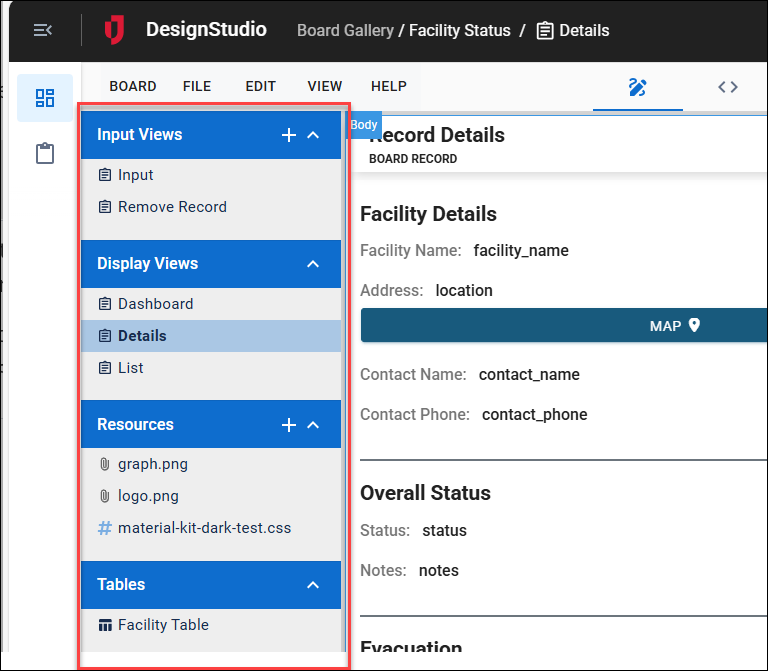
If you selected a board, the left pane of the Design page displays the Explorer. This contain the views, resources, and tables that comprise the board and its settings.
Views
Every board has an input view and a display view. In WebEOC, data is entered and updated in the input view and displayed in the display view. For more information, see Views.
Resources
Resources, typically reserved for more advanced coders, allow you to use CSS, HTML, or JavaScript to style the views. Resources must be imported into the views after they have been created.
Tables
Tables offer information about the schema for a corresponding board. You can view the fields, along with the field type and length, but more importantly, you can determine if the board is form, static, or incident independent.