Lock an Administrator Account
Locking an account deactivates the user's administrator account, suspending all of their administrator privileges. This can be useful for temporarily locking out users that no longer need administrator privileges but may need them again some time in the future.
To lock an administrator account
-
Log in to WebEOC Fusion.
-
In the Administration tab of the Admin window, click the Administrators subtab.
-
On the Administrators page, select the name of the administrator account you want to lock from the Name column.
The Administrator List can be filtered by entering in the Filter field the letter of the alphabet that corresponds to the first letter in the administrator's first or last name and then clicking Filter.
-
On the Administrators: Edit Administrator page, select the Locked checkbox.
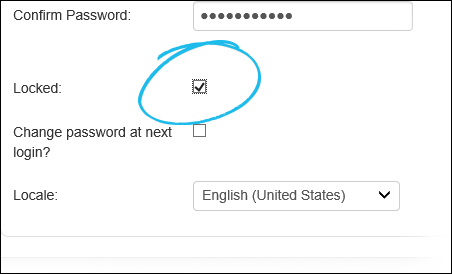
The account you are currently logged in to cannot be locked.
-
Click Save to save your changes, or click Cancel to abort the operation.
If an account was locked in error, or you wish to reactivate a locked account for a particular administrator, you can unlock administrator accounts.
Related Concepts
Reference Materials
Related Tasks
Edit an Existing Administrator Account