Change Map Views
A map view displays data obtained from Google Maps to show a location and directions. The first time an admin logs in to Juvare ARC, no map views are present. Organization Admins can create required map views with different zoom levels based on the organizational requirements. When an admin sets the views, these become available to all users.
-
On the main menu, click
 Visual Risk Intelligence then select the map type in the upper right to switch to the available views.
 Map
Map
This view displays a standard map, with or without terrain, and uses key presses and touch gestures to move the map.
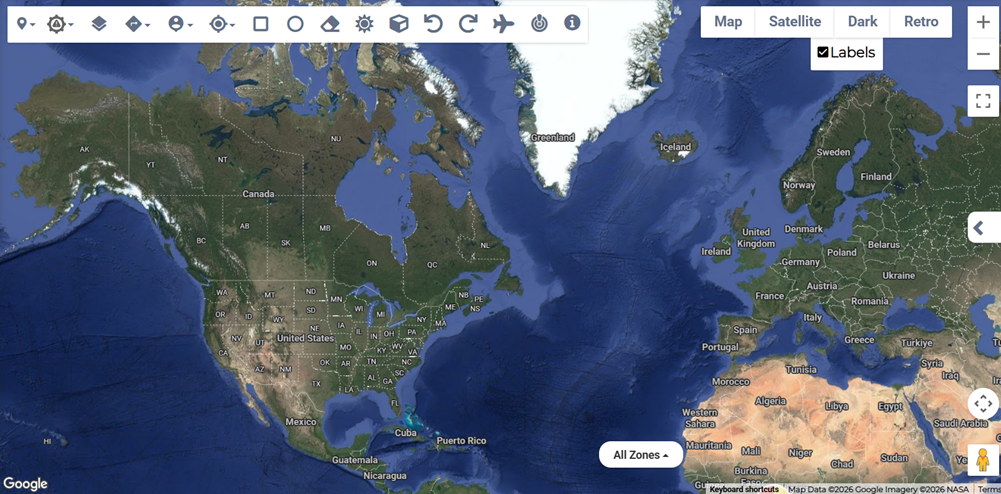
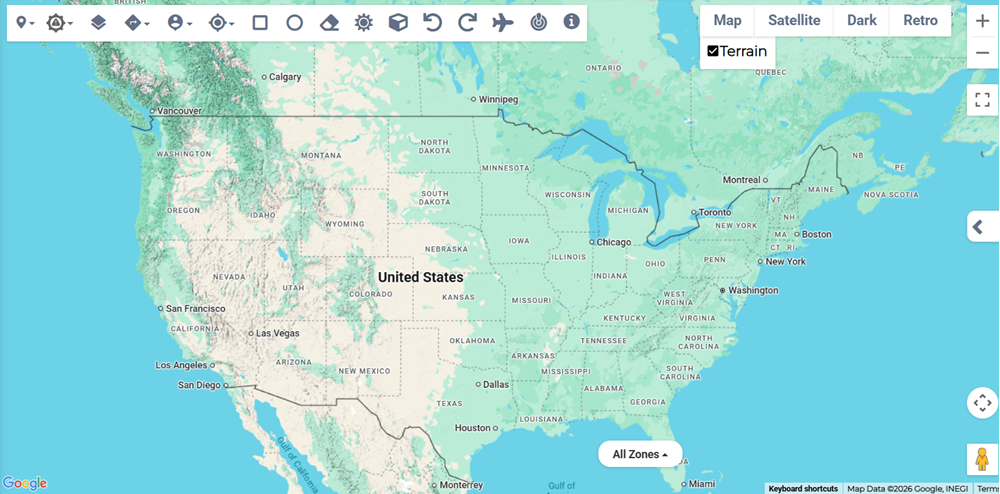 Satellite
This view displays satellite imagery of Earth collected by imaging satellites, operated by governments and businesses around the world, shown with or without labels.
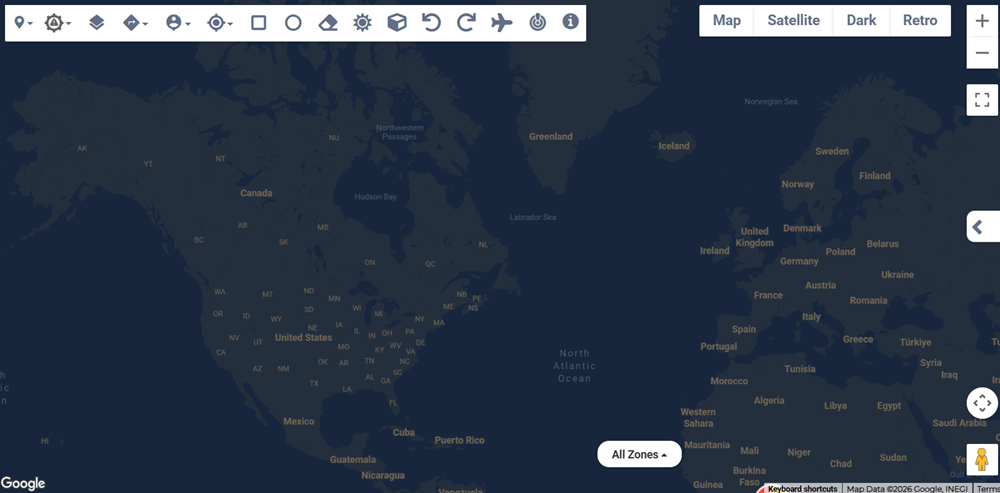
 Dark
Dark
This view displays a darkened map designed to minimize distraction, allowing for better focus on the overlaid map data.
-
When you select the view, the map changes to the appropriate style with any map data layers overlaid on the image.