Map Modes
You can enable several map modes that adjust the view of the map beyond the map view setting or layers. This fundamentally changes how the map is displayed, including implementing a day/night mode, adjusting the orientation of the map, and toggling 3D mode.
 Day/Night Mode
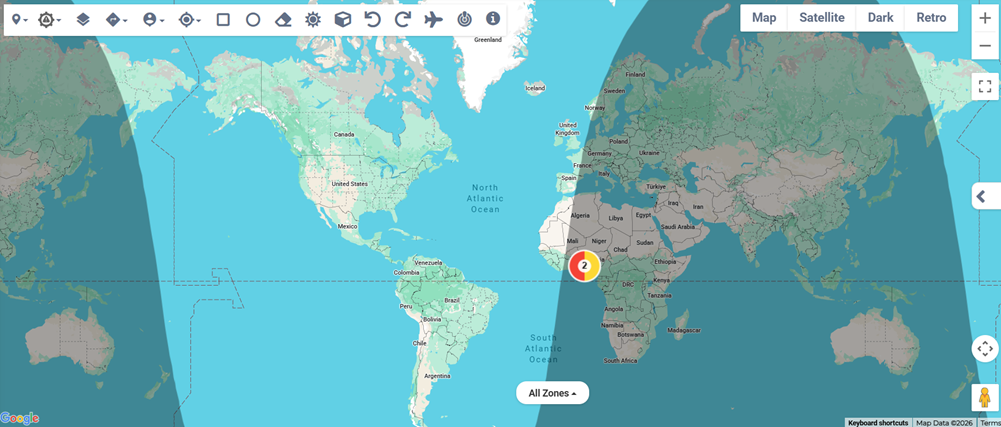
Toggle the day/night  map mode to show the sun's current position, visualizing where in the world it is currently light.
3D Mode
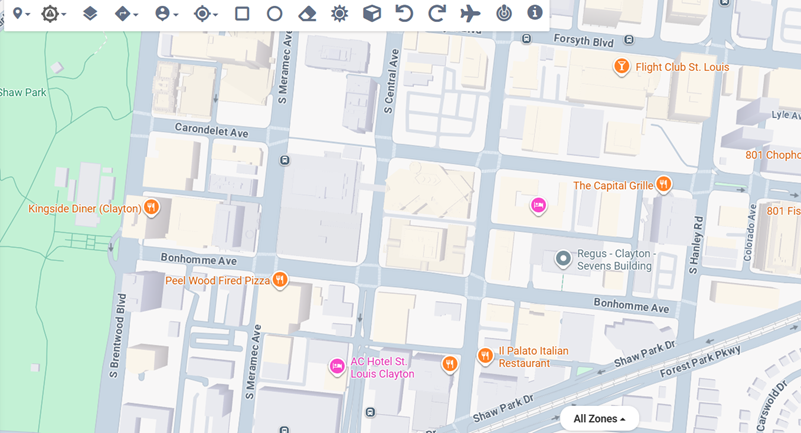
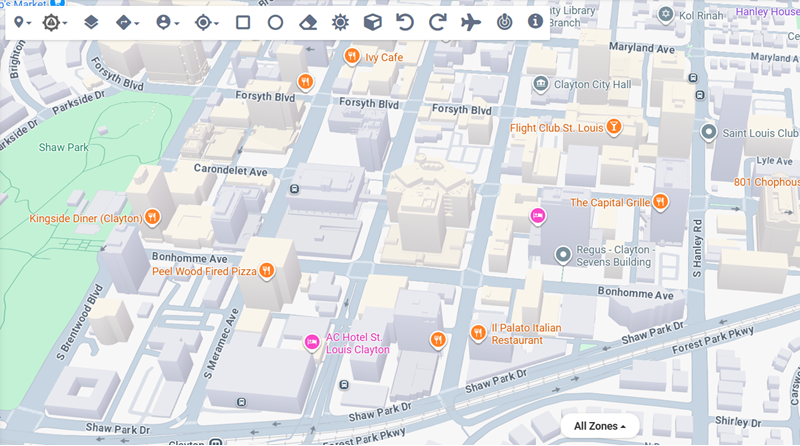
Toggle the 3D  map mode to tilt the map to show structures with depth. For best results, ensure you are zoomed in to an appropriate level to view structures and other 3D objects.
Normal mode:
3D mode:
Rotate the map
Click the rotate map left  or rotate map right
  buttons to change the orientation of the map.
Related Concepts
Related Tasks