Display Critical Events
You can display Critical Events on the map to show:
|
|
-
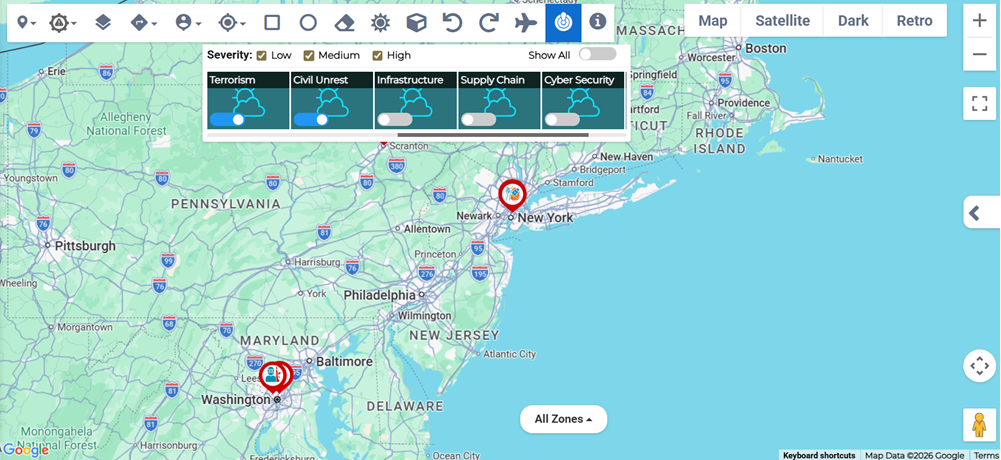
Select the Critical Events
 map tool and toggle the type of event you want to display.
 -
Select a Severity to display from the options Low, Medium, High or choose a combination of severities.
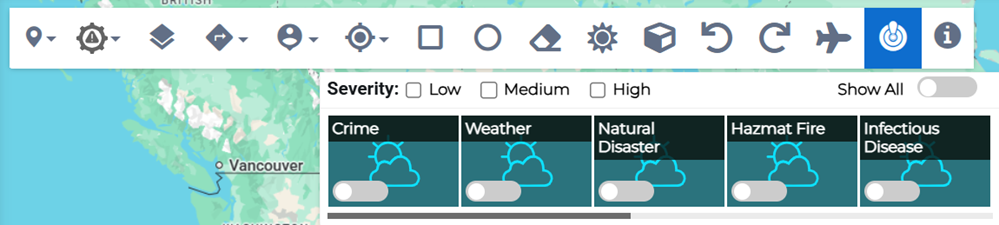
You can toggle all critical events of all severities at once by clicking Show All.
Critical Event Details
When a Critical Event displays on the map:
-
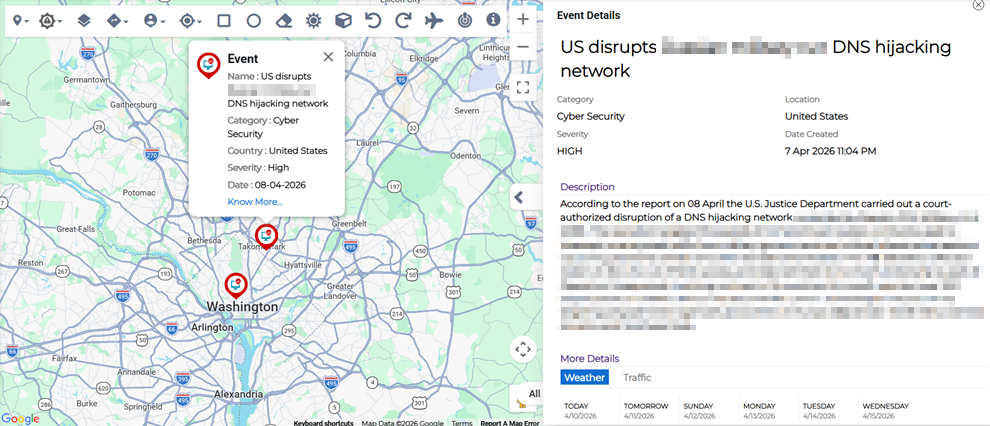
Click the event icon to open the event details preview.
-
Click Know More... in the event preview to open the full Event Details. This allows you to see more information such as country, category, severity, source type, confidence score, description, and the source of the event information. The Event Details pane also gives more information regarding the weather and traffic conditions at the location of the event.
-
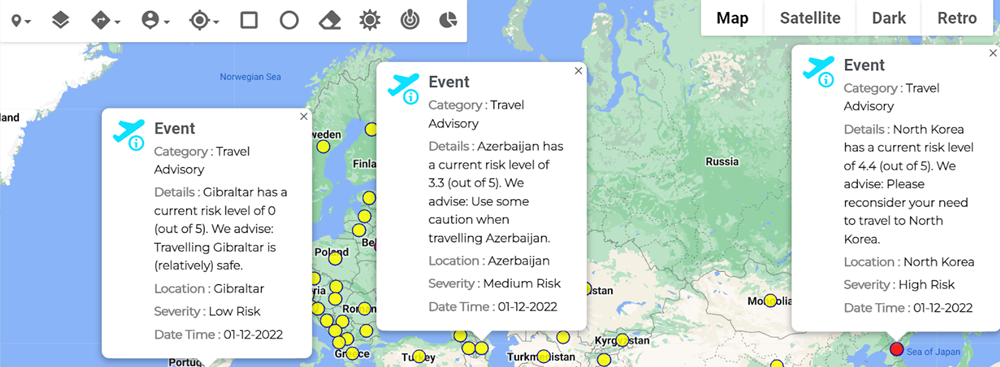
Green, yellow, and red dots on the map represent low, medium, and high risk travel advisories, respectively. Click on these dots to open the travel advisory event preview.
A travel advisory is a warning to provide information about the relative safety of traveling to or visiting one or more specific countries or destinations.