Configure Delivery Order
Set up the available delivery methods and the preferred delivery order of notifications. This is especially important for notifications configured to escalate to specific delivery methods at arranged intervals.
To configure the delivery order
-
On the main menu, click
 Settings. The Portal Settings page opens.
 -
Click the Resilience Settings tab, then click Delivery Order on the left.
-
Click Change Delivery Order.
-
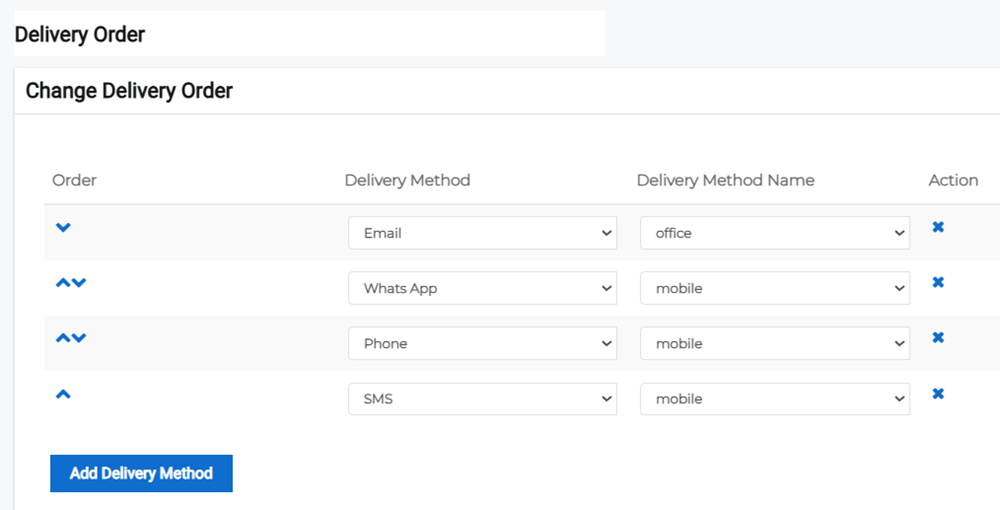
Use the up and down arrows to adjust the priority order of the different delivery methods.
-
Optionally, add a method by clicking Add Delivery Method then setting the delivery method and delivery method name fields.
-
Remove a delivery method at any time by clicking the x next to the method.
-
Click Save.
Related Concepts