Create a Form Field
Dynamic form fields are fields that change in real-time as users fill them out. They guide the user to easily complete a form. While creating Incident Management templates, you can create dynamic form fields that are data-driven and responsive to user inputs.
To create a form field
-
On the main menu, click
 Incident Management. The Incidents page opens.
 -
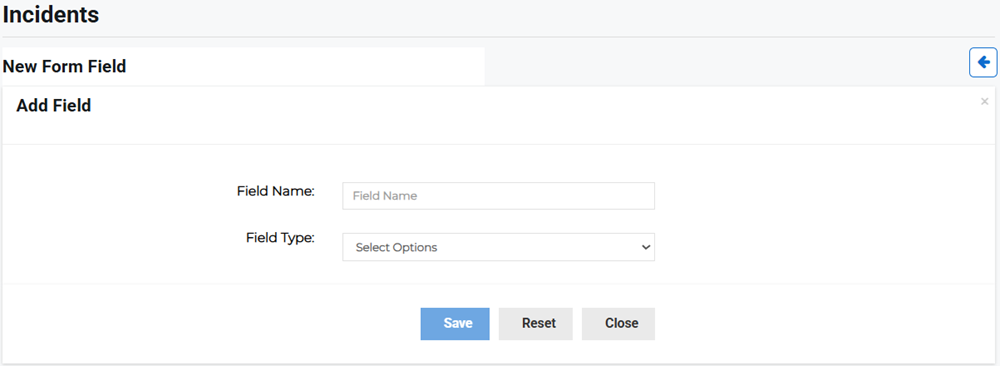
Click the Form Fields tab, then click Create Field. The New Form Field page opens.
-
Enter the following field information:
-
Field Name: Enter the form field name, for example Incident Severity.
-
Field Type: Select the form field type from the menu, for example if the field is an integer or text field.
-
-
Click Save.