Create a SafetyFirst Member
A SafetyFirst Member is an individual who is prioritized to receive alerts and take action to protect people and operations during a critical event. They are the first member who receives an alert when any critical event takes place.
To create a SafetyFirst member
-
On the main menu, click
 Contacts. The Contacts page opens.
 -
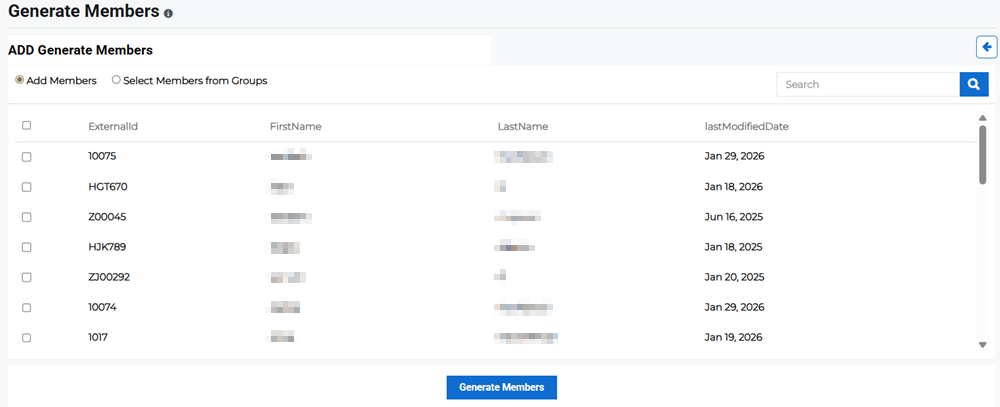
Click the SafetyFirst Members tab, then click Generate Member in the upper right. The Add Generate Members page opens.
-
Select whether you want to add members directly or select members from groups.
-
Add Members: Scroll through the list or search for members by name or ID then click the checkbox next to their names to add them.
-
Select Members from Groups: Select a group from the dropdown menu then select one or more members of that group to add them.
-
-
Click Generate Members.
After the member has been created, their login credentials are sent to their email. The member can log in to Juvare ARC using those credentials.