CORES RMS 6.11 Release Notes
These notes describe updates in the CORES RMS 6.11 release, scheduled for September 30, 2026. More information is available through the help in your solution or by contacting The internal and external people that participate in, might be affected by, or need to be notified about an incident. the Juvare Support Center at +1 (877) 771-0911 or support@juvare.com.
Browser compatibility
-
Latest Microsoft Edge Version
-
Latest Google Chrome Version
Enhancements
Reports
CORES RMS reports have been updated to provide more relevant data by excluding archived, deleted, and closed records where applicable.
The following report updates are included:
-
Account Status
Works with roles and permissions to determine the features you can access. and List of Accounts Used to track and manage users. Accounts differ from your profile, which is used to modify personal settings for using the solution. by Role reports now exclude archived and deleted organizations Official entities, such as public health authorities, healthcare agencies, and corporations. and accounts with a status of Archived, Deleted, or Closed. -
List of Organizations with Member Counts report now excludes archived and deleted organizations. Members with an account status of Archived, Closed, or Deleted are also excluded from member counts.
-
Organization Details report now excludes archived and deleted organizations.
-
Standard Group
Comprised of accounts with certain shared characteristics, such as role or location, but not necesarily employer. report now excludes archived and deleted groups. Members with an account status of Archived, Closed, or Deleted are also excluded from member counts. -
Occupation, County, Prior Commitments, and Referrals reports now exclude accounts with a status of Archived, Closed, or Deleted from user counts.
-
Mission, Shift, and Time Tracking reports now exclude archived missions.
The List of Organizations with Member Counts report also provides updated accepted and pending account totals:
-
Number of Accepted Accounts includes active and inactive accounts with an Active organization membership status.
-
Number of Pending Accounts includes active and inactive accounts with a Pending or Researching organization membership status.
For more information about reports, refer to Reports.
Out-of-State License Verification
Administrators can now manually process out-of-state license verifications.
Previously, out-of-state licenses were automatically assigned a Failed - Out of State License status. Administrators can now review these licenses in the Not Verified section under Manual Credential Verifications and update the verification status as appropriate.
Contact your CSM or the Juvare Support Center to enable this feature.
For more information about out-of-state licenses verification, refer to Screenings Dashboard.
Help Updates
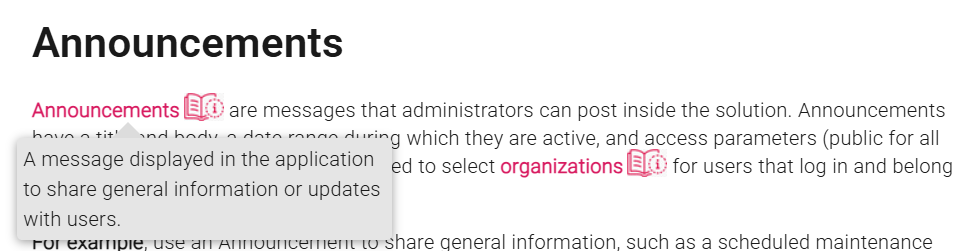
The CORES RMS Help Center now includes in-page glossary terms. Hover over these terms to view a pop-up definition of the term. We welcome your thoughts on this new Help feature; to provide feedback, click the Help Center feedback button  on any page to generate an email to the team.
Resolutions
-
Resolved an issue in the List of Accounts by Role/Occupation report where administrators could not view organizations under a parent organization they did not have permission to view, even when they had access to the child organizations.
-
Resolved an issue where users with limited report permissions could view notifications
An alert, update, advisory, information, drill, or test message that can be sent & received through delivery methods such as email, voice, text, fax, or inbox. outside their permitted organization scope in the Notification Usage report. Users now see only notification data allowed by their assigned permissions. -
Resolved an issue that caused an error when users attached a file from the File Library
A respository for the files you want to store and share.. This issue was also resolved for mission notifications when users selected a file from Mission Files. -
Resolved an issue where audit history could display account or group membership information that users did not have permission to view. Audit history now displays only records that the user is authorized to access.
Previous Versions
Release notes from previous versions are available here.