Add IT Event Integrations
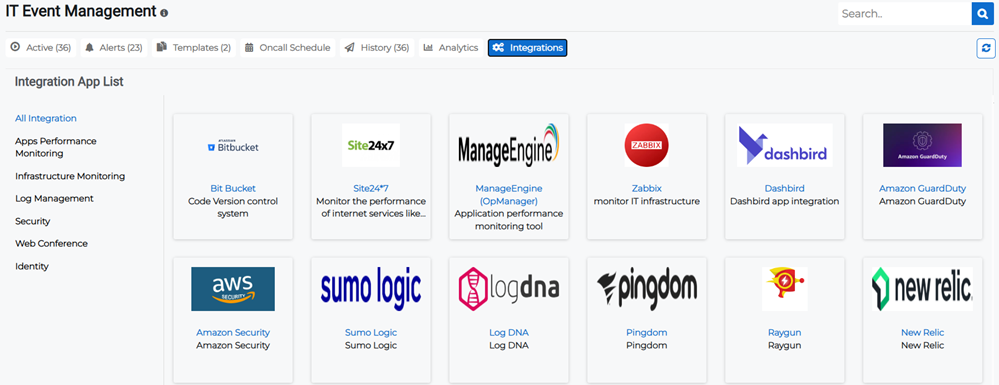
Integration applications exist for app performance and infrastructure monitoring, log management, security, web conferencing, and identity.
The list of IT event integrations can be refreshed using the refresh  button in the upper right.
To add an IT event integration
-
On the main menu, click
 IT Event Management. The IT Event Management page opens.
 -
Click the Integrations tab to view the list of applications that can be integrated and details related to them.
-
Hover over the integration you want to add, then click the Add button that appears in the upper right. The integrations dialog opens.
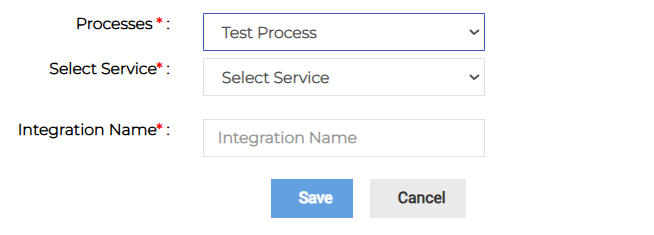
When the dialog first opens, it shows only the Processes menu. Additional fields appear after you select a process.
-
Select a process then select a related service.
-
Enter the name of the integration.
-
Click Save.
Related Concepts