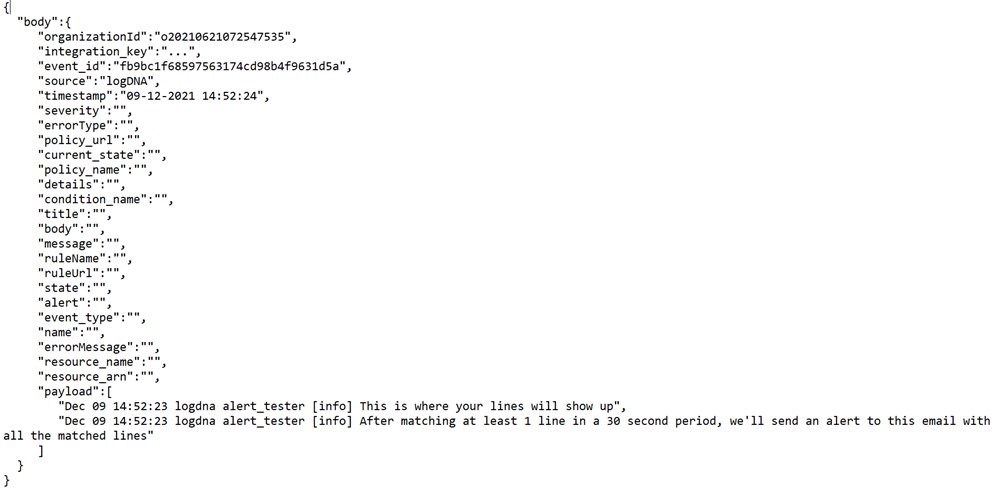
LogDNA
To set up and configure LogDNA, follow the instructions by expanding the headings below.
 Registration procedure
-
Navigate to URL: https://app.logdna.com/.
-
Select register.
-
Enter your details, email address, name, organization, and password.
-
Click Register.
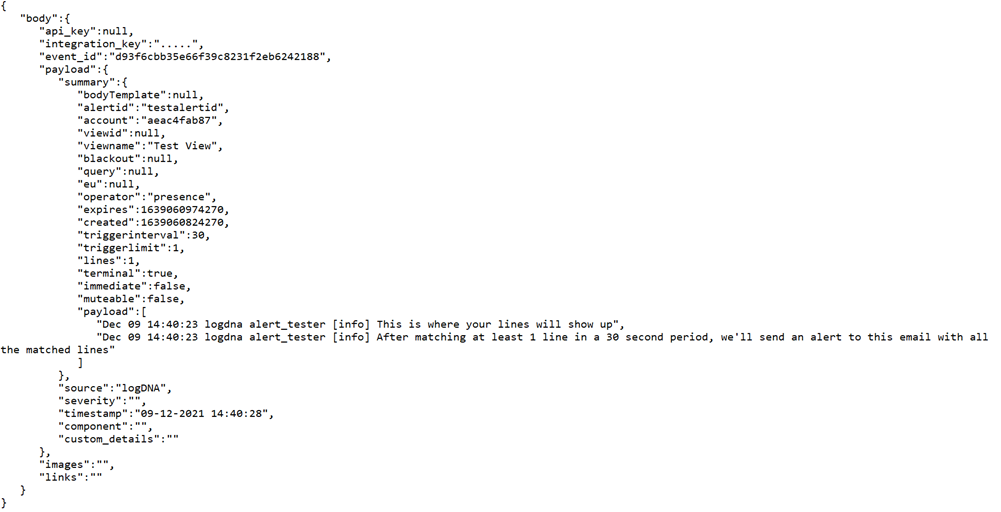 Integrate IT events with LogDNA
-
In the LogDNA dashboard, navigate to Alert in the menu.
-
Click Add Preset then select webhook in the list.
-
Add your webhook URL then click Save.
Event-Out parsed objects