Datadog
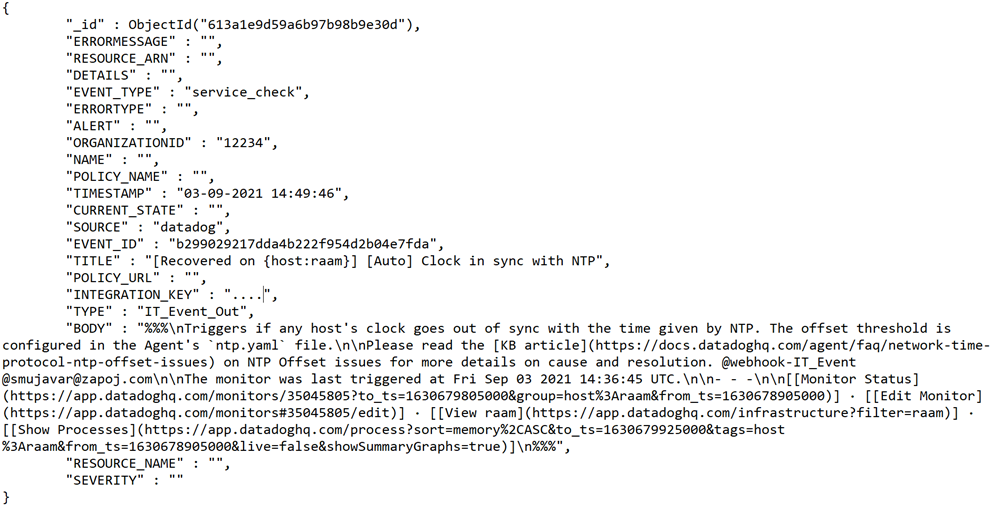
To set up and configure Datadog, follow the instructions by expanding the headings below.
 How to integrate IT events with Datadog
-
Log in to the Datadog console.
-
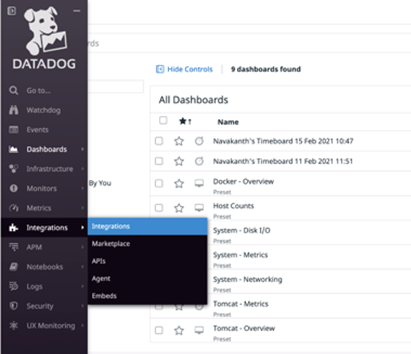
From the left menu, click Integrations from the Integrations menu.
-
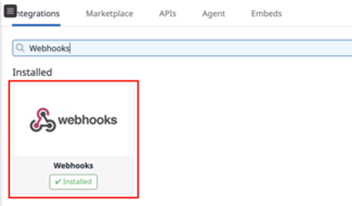
Search for webhooks and click to open the Webhooks card.
-
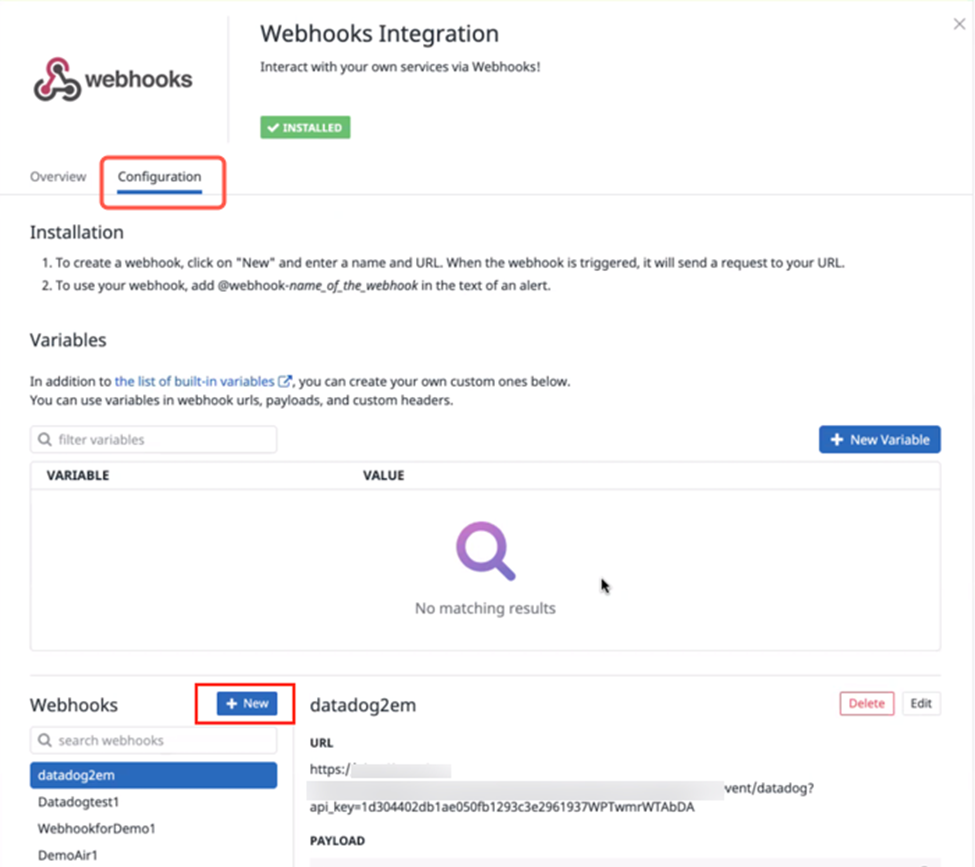
Click the Configuration tab.
-
Scroll down to the webhooks section and click + New.
-
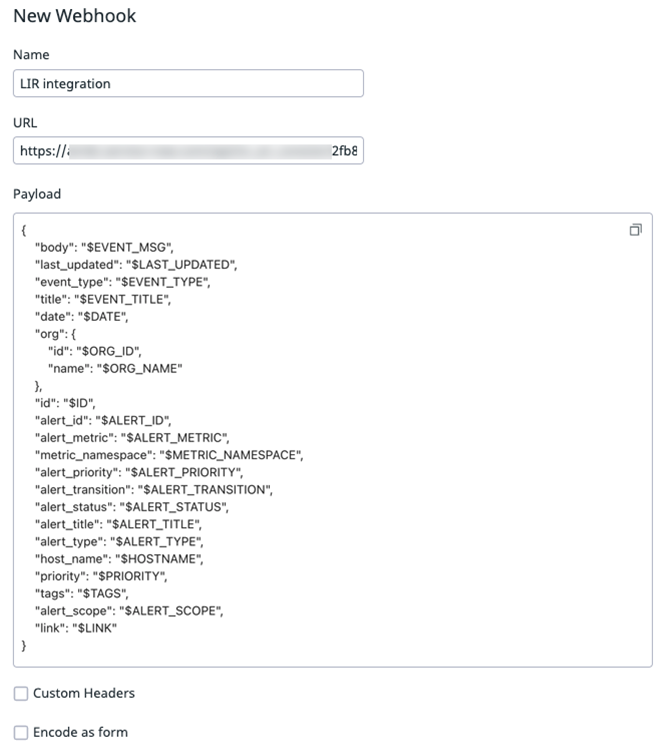
On the New Webhook form, fill in the fields.
-
Click Save.
Next Steps
Add the webhook to your monitors:
-
Navigate to Monitors then Manage Monitors.
-
Create a new monitor or edit an existing one.
-
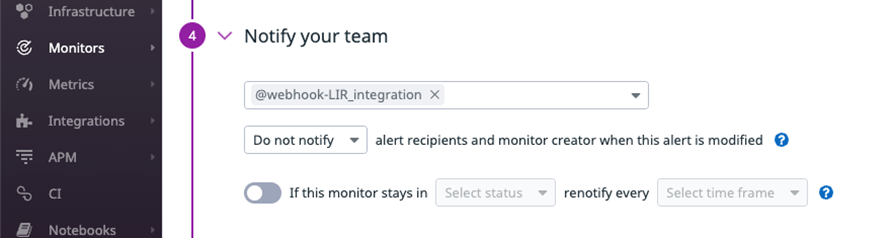
In the Notify your team section, select the webhook integration that you created in the first field.
-
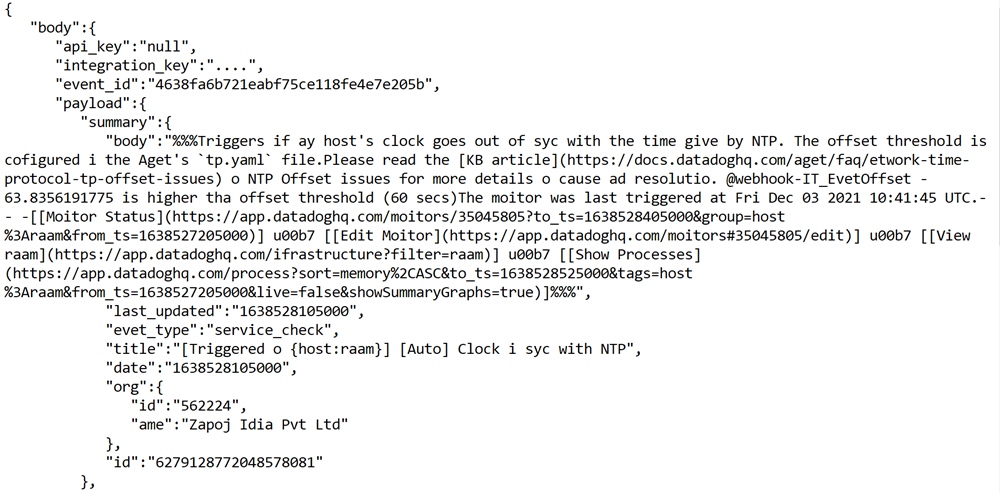
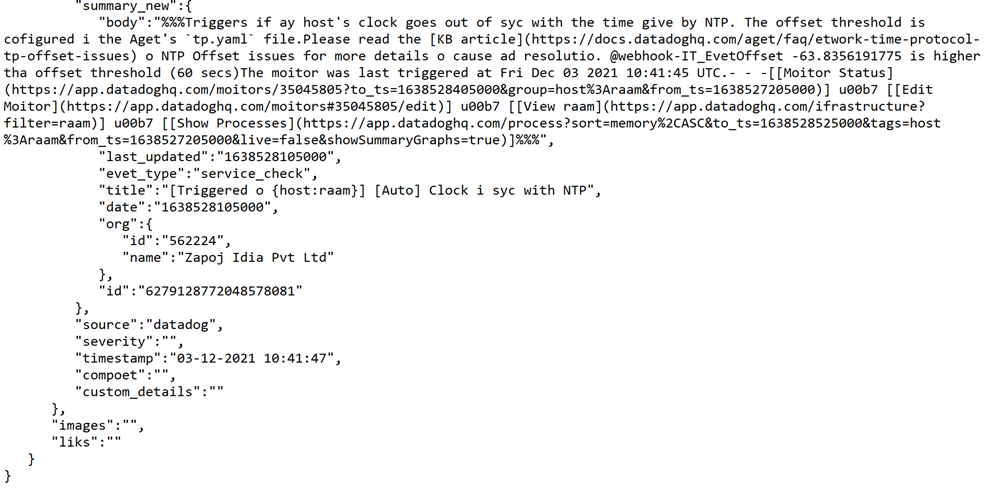
To verify the connection, click Test Notifications. An alert is created in Incident Response.
-
Click Save.