Google Cloud Platform
Reference link: Install Google Cloud Platform
To set up and configure Google Cloud Platform, follow the instructions by expanding the headings below.
 Install Google Cloud Platform (GCP)
-
Download GCP for linux:
curl -Ohttps://dl.google.com/dl/cloudsdk/channels/rapid/downloads/google-cloud-cli-386.0.0-linux-x86\_64.tar.gz -
Install commands:
tar -xf google-cloud-cli-386.0.0-linux-x86_64.tar.gz
./google-cloud-sdk/install.sh
-
Initialize GCP in server:
./google-cloud-sdk/bin/gcloud init -
Accept the license by pressing y.
-
Log in to your account to connect the auth login:
gcloud auth login --no-launch-browser -
Copy the URL that's generated after this command and paste it into your web browser. Log in to your account and accept the terms and conditions.
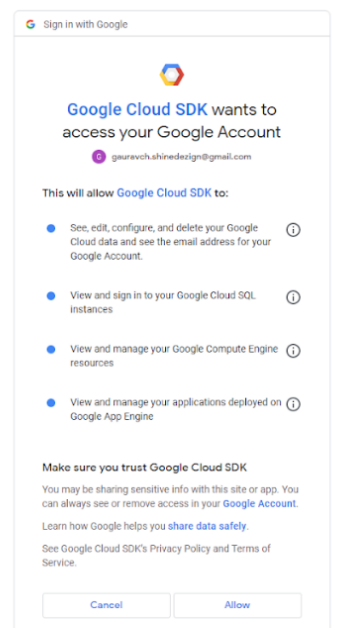
-
After accepting the unique key generated by this output, copy and paste the key on the putty (server).
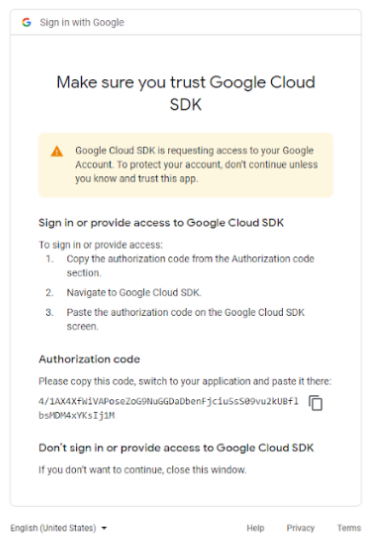
Your account has been connected with the server. You can perform any gcloud commands on the server. Now when you log in to your account, it will ask for your credit card details befor performing action.